How We Draw The Little Adventurers: Our Tools and Process

From notebook to board book
Howdy, Adventurers!
Mike here. We get asked how the books actually get made, so here's a look at the desk while I work on The Little Barbarian. It's a mix of paper, an iPad and a few small things that make a big difference.
Step 1: paper first
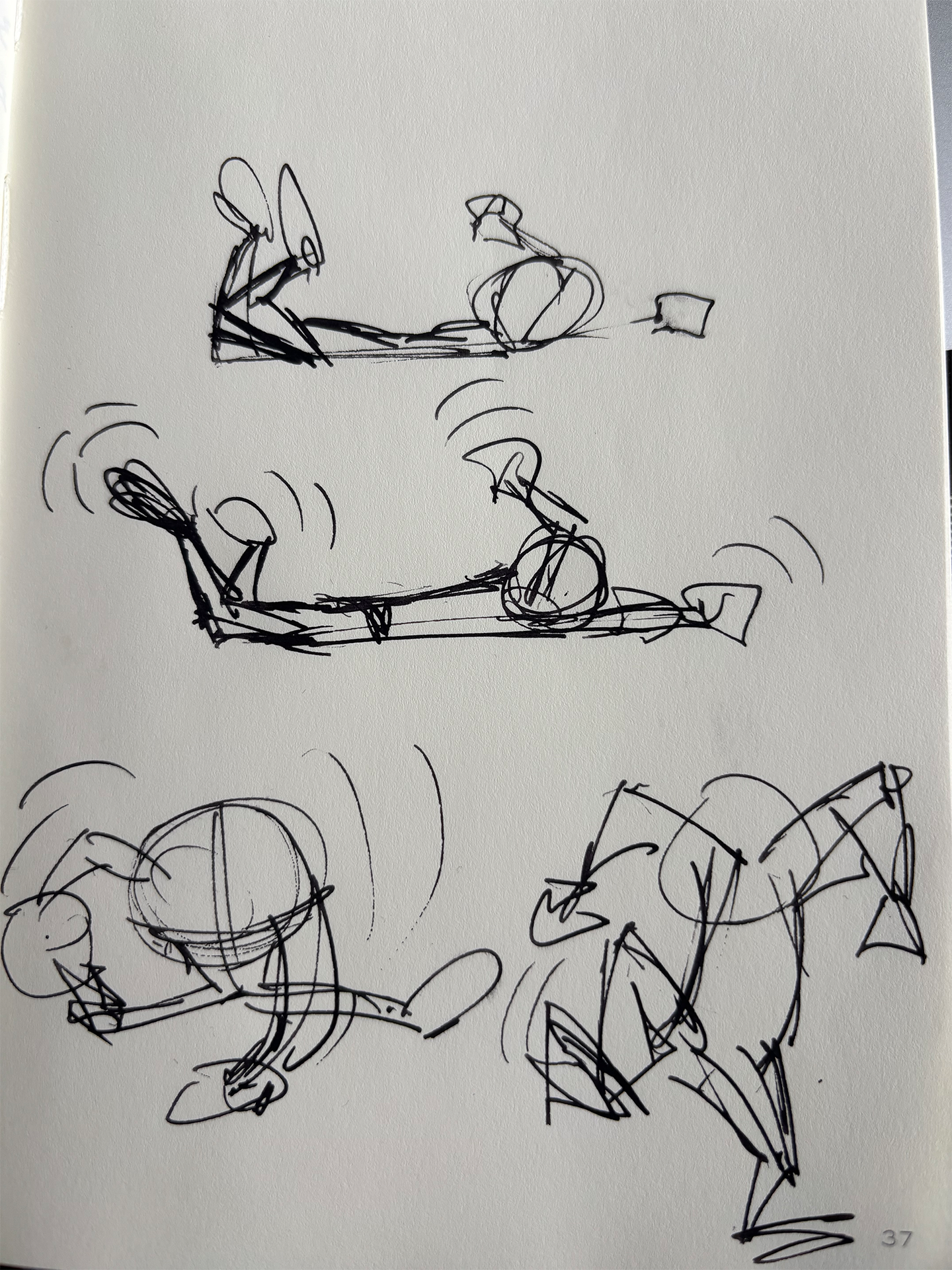
Every book starts on paper. I carry a Leuchtturm1917 B6+ notebook everywhere. It's small enough for a pocket and big enough to actually draw in, so it's my notebook and sketchbook in one.
That's where the page plans, story notes and first scribbles live. These gesture sketches are just me figuring out how a big, round Barbarian moves when they flop, tumble and stomp.
Step 2: drawing on the iPad
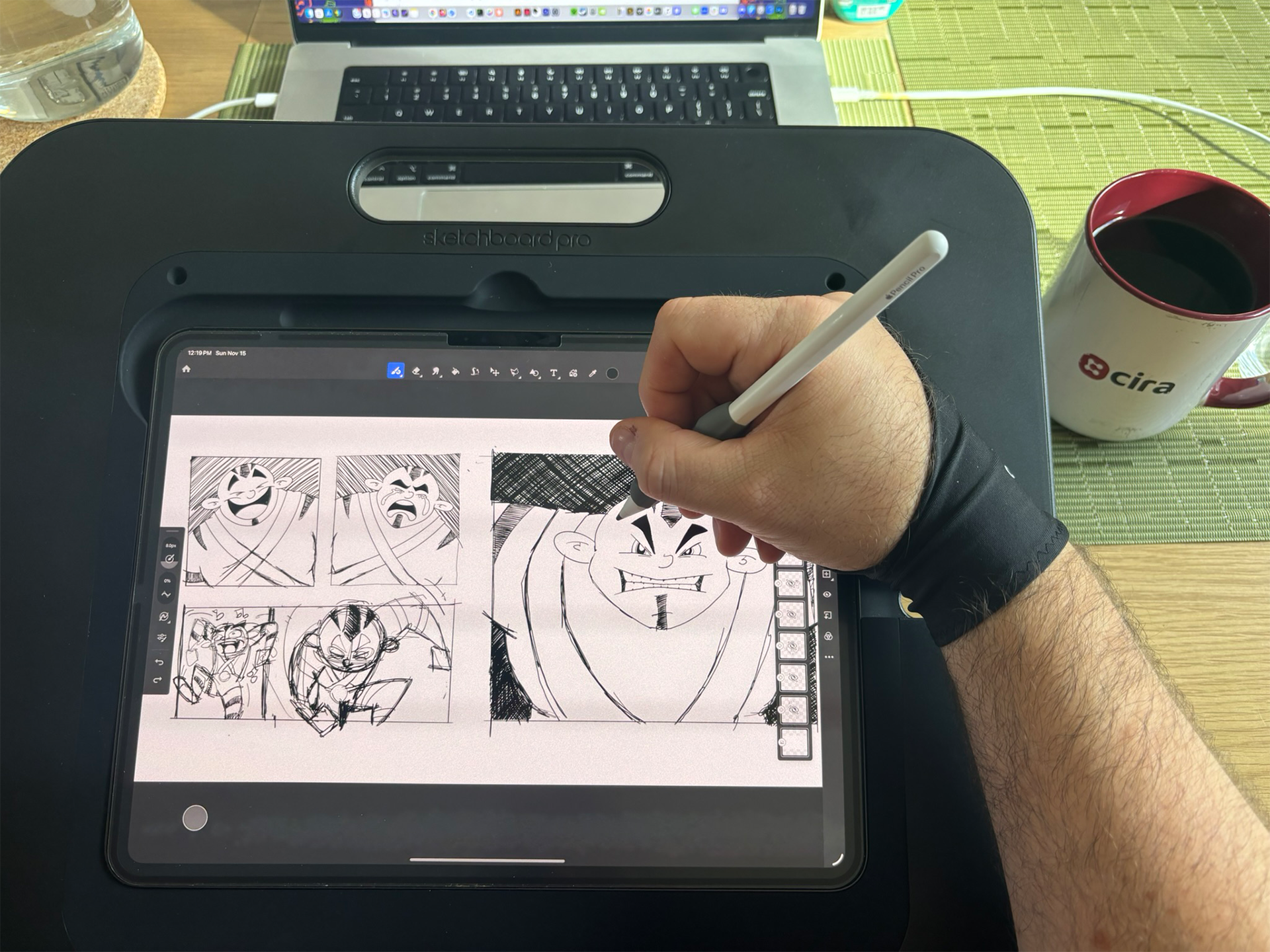
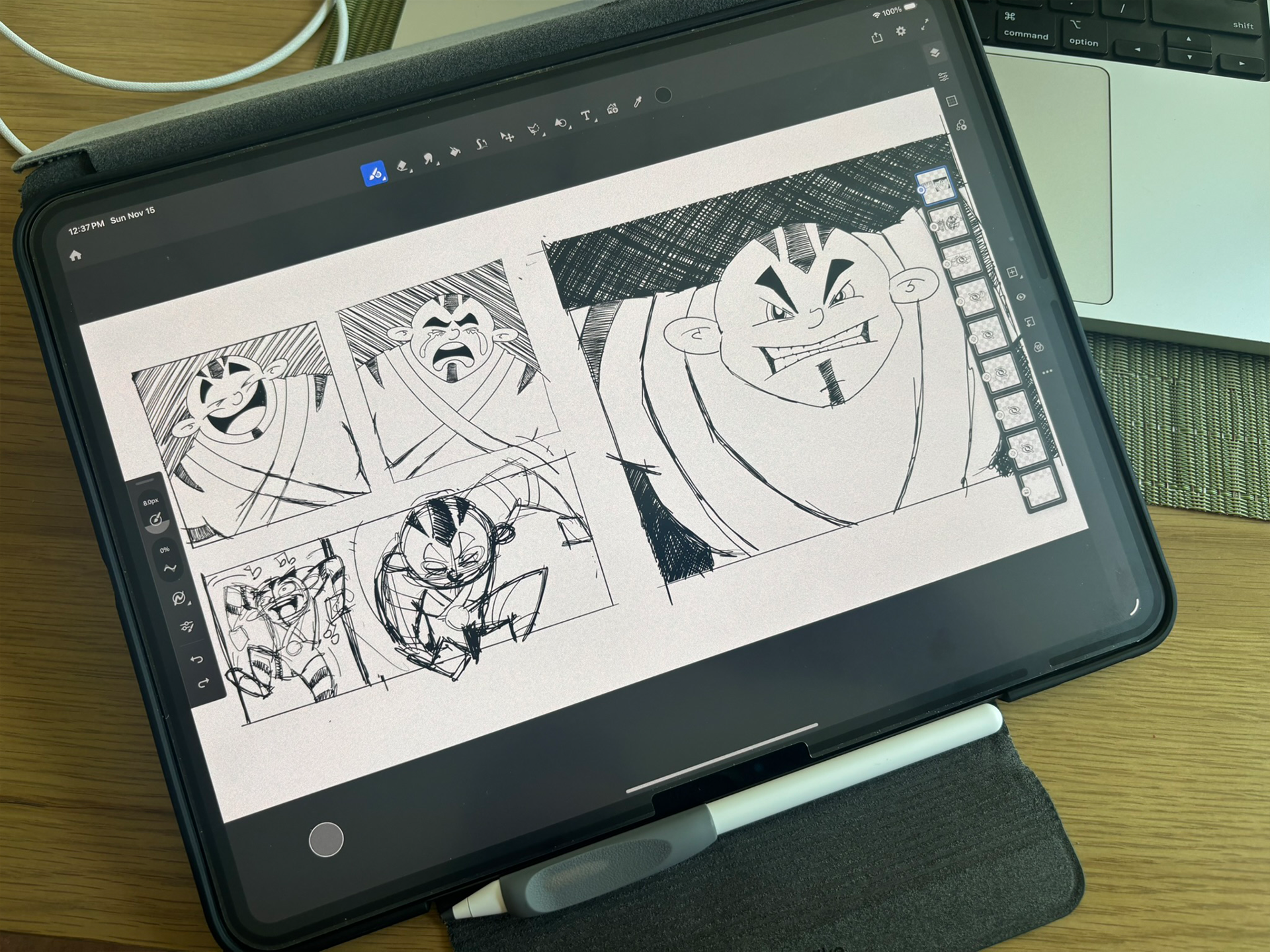
Once the plan works on paper, it moves to my iPad Pro. I use Procreate and Adobe Fresco to draw and write the books, from the first clean sketches to the finished pages.
The setup around the iPad matters as much as the apps:
- Sketchboard Pro: the iPad sits in a big, angled board, so it feels like drawing at a desk instead of hunching over a slab of glass. Honestly, it's the best thing an iPad artist can buy.
- Astropad Rock Paper Pencil: a paper-textured screen protector plus replacement pencil tips. The glass stops feeling slippery, and the lines feel more like pencil on paper.
- Paperlike Pencil Grip: makes the Apple Pencil thicker and grippier, which is a lot kinder to your hand over a long drawing session.
- Otraki artist glove: keeps my palm from smudging the screen or leaving stray marks. I cut the fingers off for a better feel.
A studio that fits in a backpack
None of this is tied to a desk. My office is in the basement, so being mobile means I can move around the house and actually get some daylight while I draw.
When I head out to a coffee shop or around town, I take a smaller setup: the iPad goes in a Paperlike case, the pencil rides along with it, and I can draw anywhere I can sit down. The whole kit fits in a backpack, MacBook Pro included.
Step 3: layout and assets
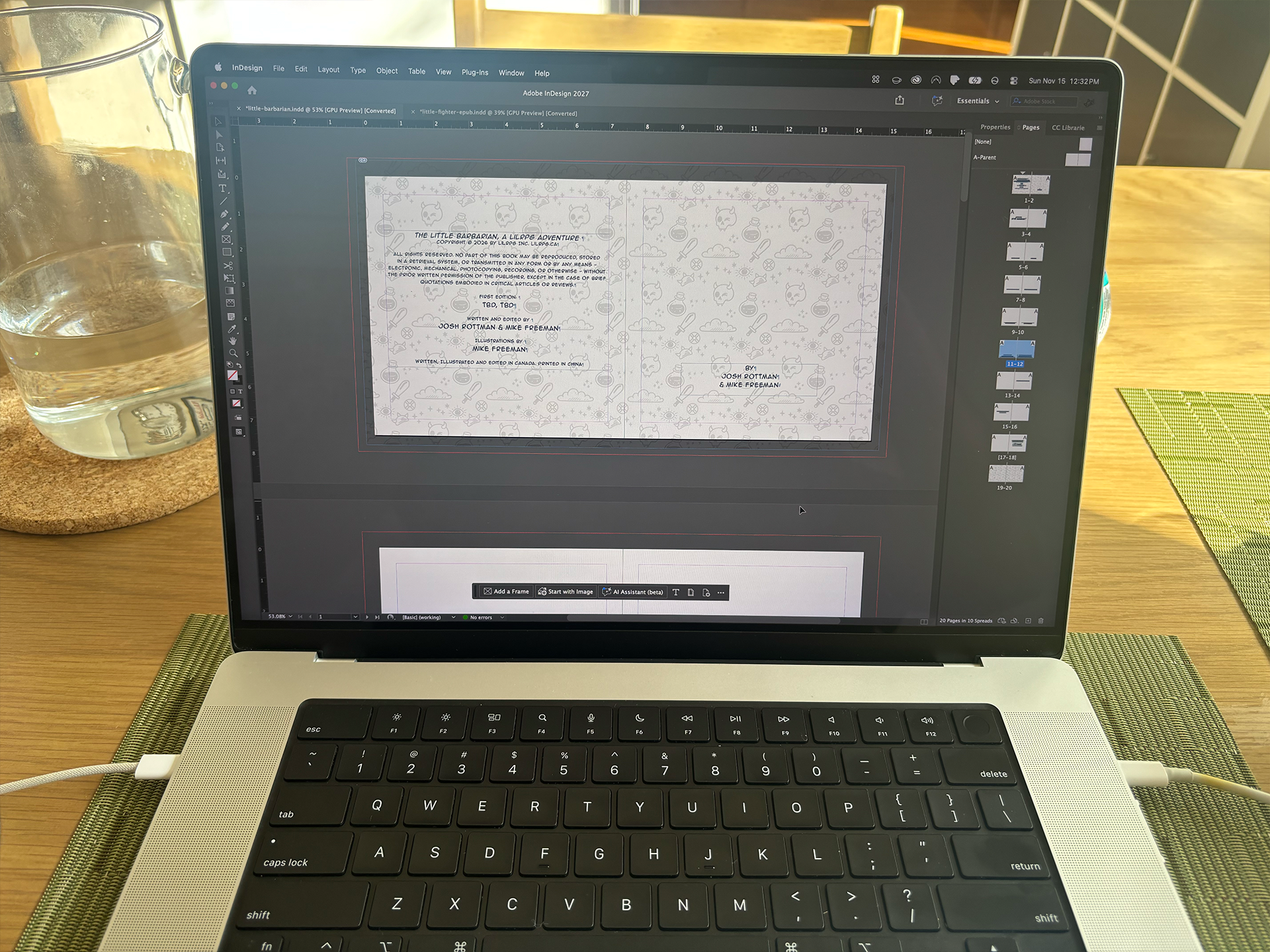
When the drawings are done, they come off the iPad and into the Adobe desktop apps:
- Adobe InDesign: where the pages are laid out. Art, text and the print setup all come together here.
- Adobe Illustrator: where we manage the art itself, so every character and prop lives in one place.
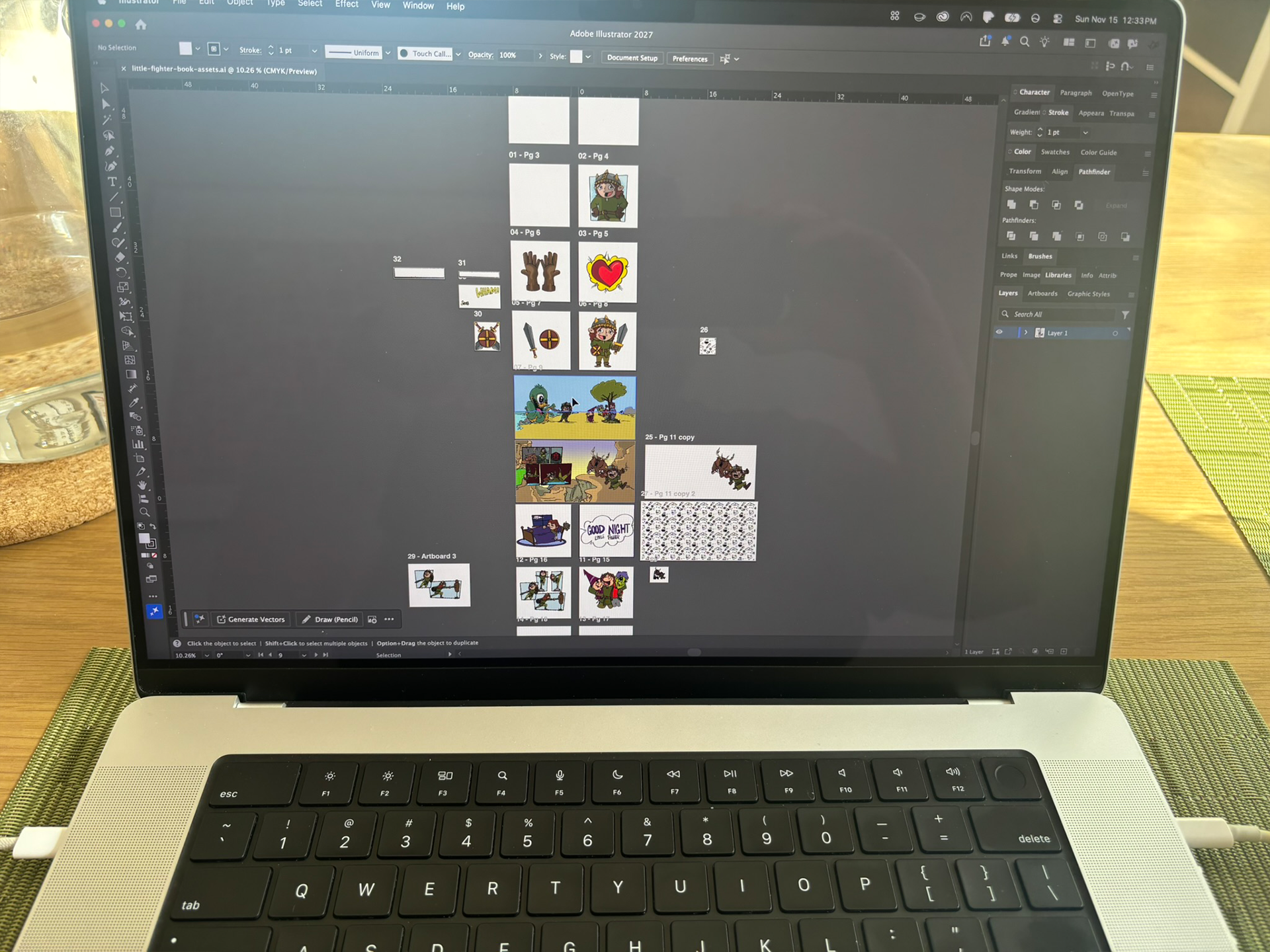
We keep all the assets as vector art. That means we can resize and reuse any drawing without it going blurry, whether it ends up on a board book page, in the ePub or right here on the site.
None of this is sponsored. Yet. We wouldn't turn it down, though.
Your turn
Is there a part of the process you'd like to see more of? Let us know, and we'll keep sharing progress on The Little Barbarian here in the Adventurer's Journal.
While you wait, The Little Fighter is ready for your newest party member. The ePub is $4.99 and ready tonight, and board book pre-orders ship within Canada in the new year.
- Mike & Josh


